
How to Make Synthesia Interactive:
Elevating AI Video with Quinn's Gamified Training Platform

Synthesia has revolutionized the way organizations create video content. Its AI-powered avatars and voiceovers make it possible to turn any script into polished video training in minutes. But for many learning teams, the next challenge is clear: How do you make those videos interactive?
Why Interactivity Matters More Than Ever

A static video—even with a talking avatar—can only go so far. Learner attention spans are short. Retention rates drop when users aren't asked to apply what they've seen. And most importantly, companies are left guessing whether the training worked.

5%

Retention from watching

75%

Retention from practice

Source: National Training Laboratory

Learners multitask or tune out

Without interactive elements, engagement drops significantly

No checkpoints to reinforce knowledge

Trainers lack visibility into understanding

The solution isn't to ditch Synthesia. It's to enhance it.

Making Synthesia Interactive with Quinn

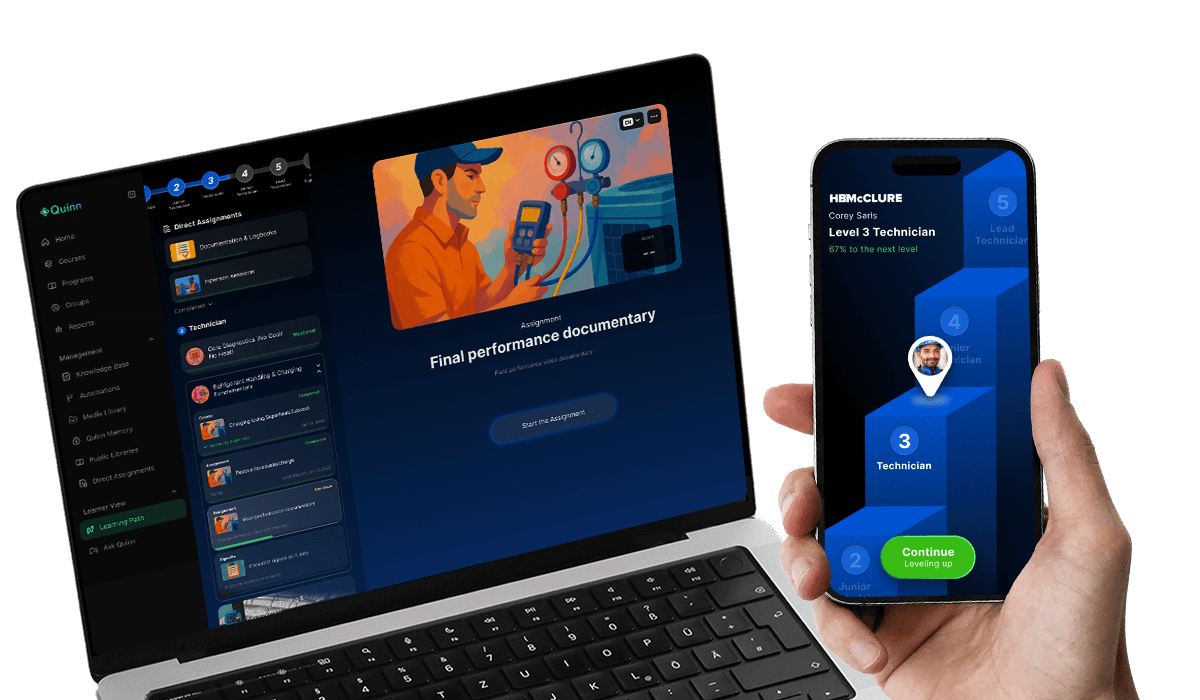
Quinn was built to solve the "watch-only" problem in modern training. With Quinn, you can upload your Synthesia video or embed it directly—and then layer on interactivity with no instructional design experience required.

Here's How It Works

1

Upload or Embed Your Synthesia Video

Bring in any AI-generated training video created in Synthesia. Quinn supports direct uploads or embed codes.

2

Wrap It in a Gamified Learning Journey

Once your video is in Quinn, it becomes just one component in a multimodal, step-by-step learning path.

You can structure it like this:

1
Watch the Synthesia video
2
Respond to a quiz, simulation, or matching game
3
Practice with AI-powered roleplays
4
Reflect with a knowledge check or scenario decision tree

Gamified Components You Can Add

Quinn includes dozens of interactive training formats that can be dropped in alongside your Synthesia videos:

🔄 Simulations

Let learners practice a process—from entering data in a CRM to following a safety protocol.

🤖 AI-Powered Roleplays

Learners can talk to an avatar in real time. For example: practice objection handling with a difficult customer.

Swipe to Win

💵 Swipe to Win

A mobile-friendly format where learners "swipe" right or left to categorize scenarios correctly.

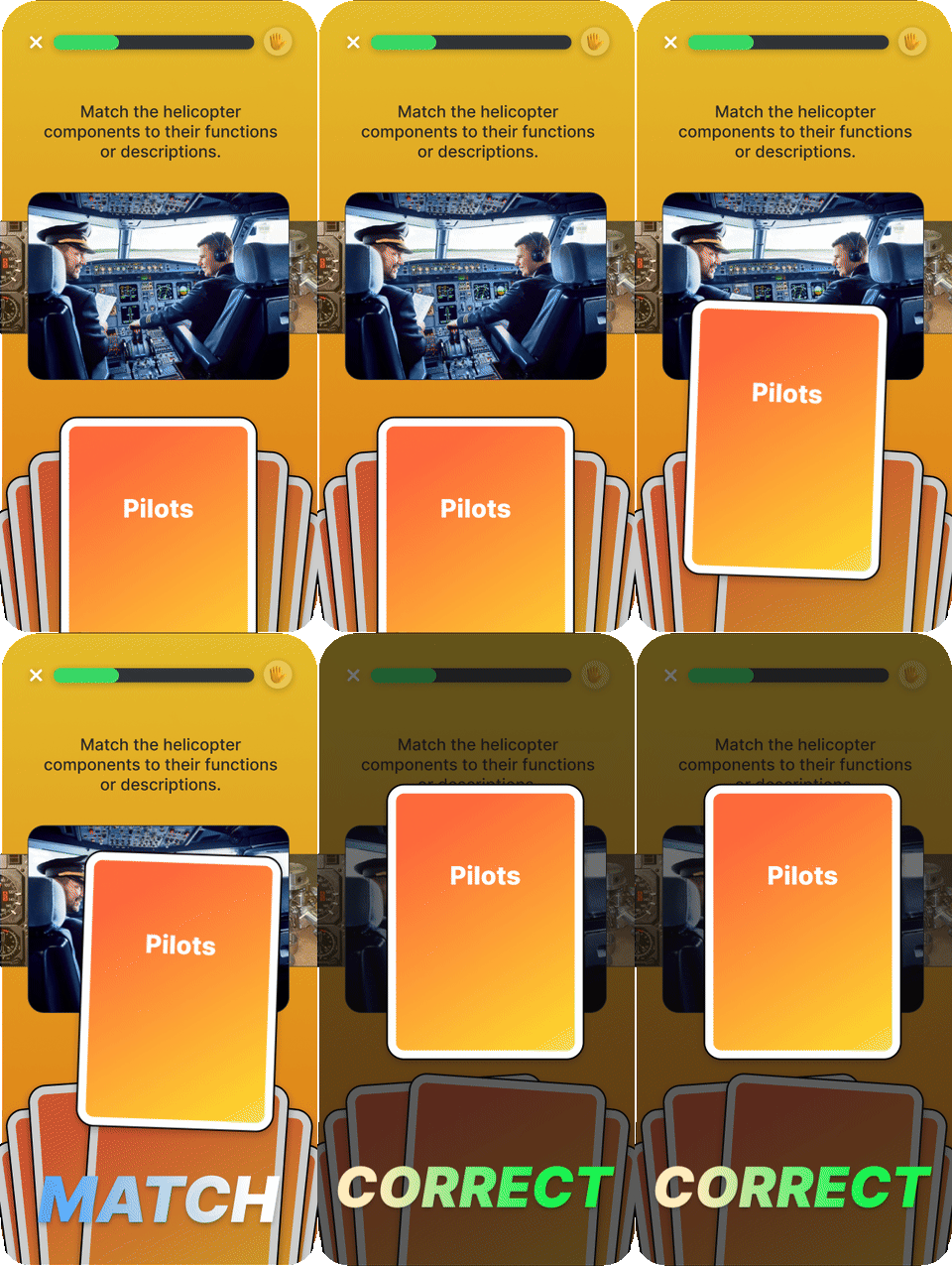
📊 Matching Games

Reinforce concepts by pairing terms, icons, or definitions.

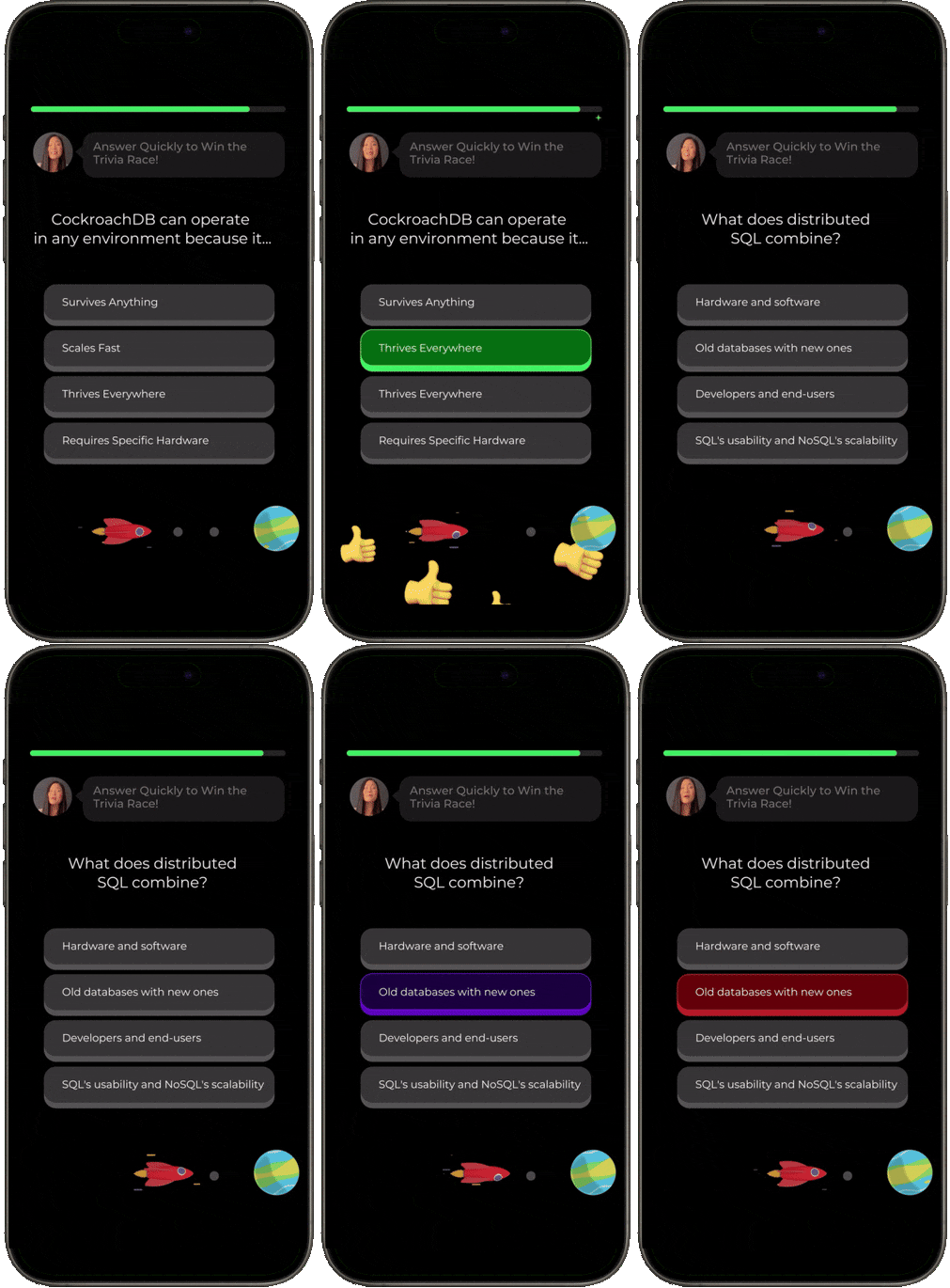
Multiple Choice Training

💡 Multiple Choice (But Better)

Customize feedback per answer, add images, and chain follow-ups.

⚖️ Dozens of Other Formats

From flashcards to drag-and-drop, Quinn makes it easy to match format to learning goal.

LMS Platform

What Makes Quinn Different from a Typical LMS?

Most LMS platforms just host content. Quinn actually helps you build it:

Built-in tools for gamified creation

AI assistance to suggest questions and roleplays

No separate authoring tool needed

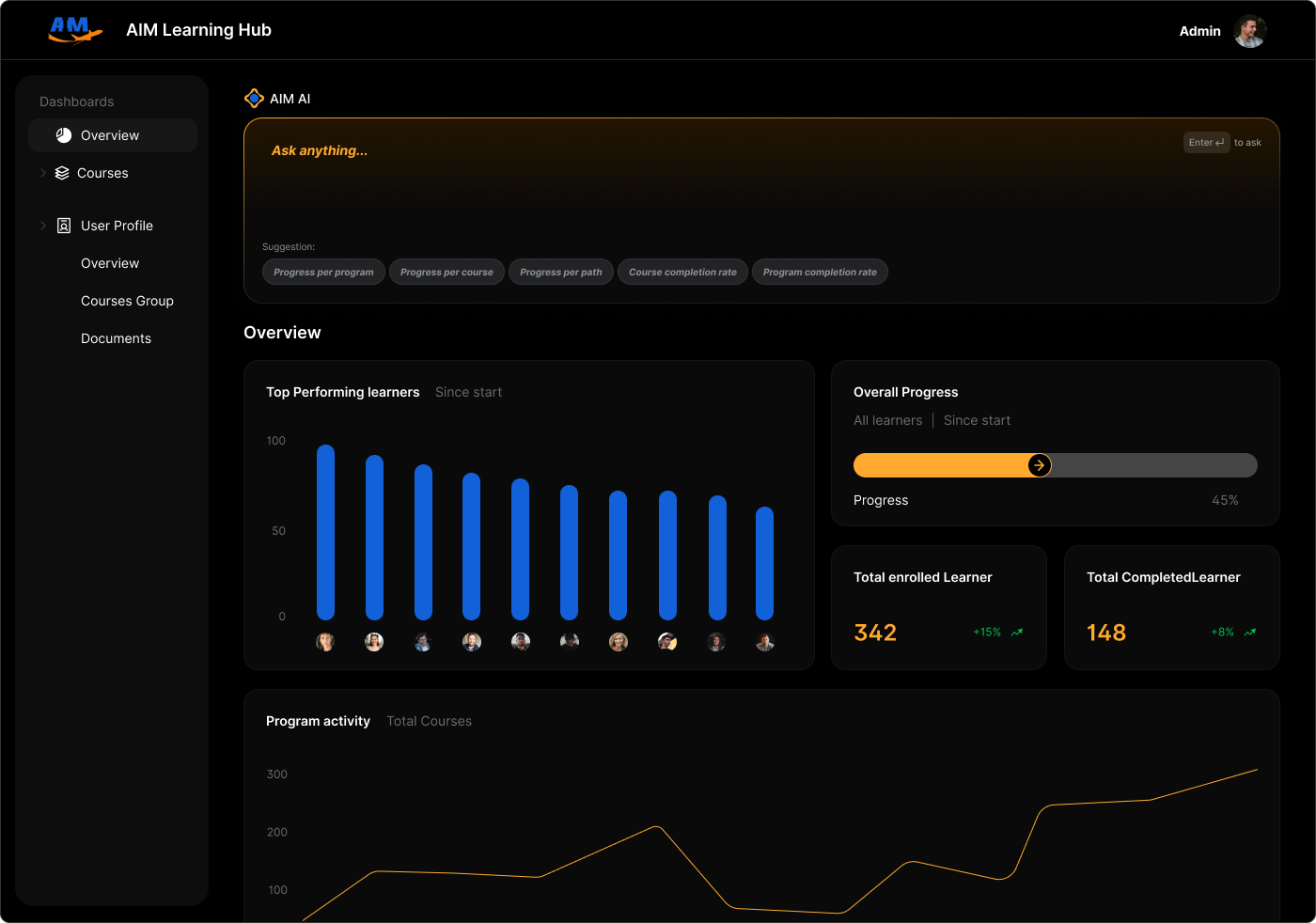
Real-time analytics on learner retention

Analytics Dashboard

Learner Transparency: Know What Stuck

With Quinn Analytics, you know:

Where learners struggled

How they answered

Which roleplay decisions they made

Where confidence dropped off

This gives you the power to iterate, coach, and scale what works.

Teams Using Quinn + Synthesia Together

Teams in healthcare, retail, logistics, and the trades combine Synthesia and Quinn to:

Replace outdated classroom training

Onboard faster

Reinforce service scripts

Deliver technical simulations

One team saw:

40%

reduction in onboarding time

60%

increase in product knowledge

3x

higher completion rates

Get Started in Minutes

Already using Synthesia? Just:

1

Upload your videos

2

Choose your gamified layers

3

Publish to your learners

Quinn supports bulk user upload, HRIS integrations, and role-based journeys.

Final Thoughts

Synthesia made training fast. Quinn makes it effective.

If you're ready to make training interactive, engaging, and transparent—book a demo.

Quinn turns your training into a game worth playing.