
Skills
Know who’s ready. Close the gaps.
Every person scored on every Skill their Role needs, from the training they finish and the work they’re seen doing.
How it works
Track the Skills your team can prove
Step 1Your team’s Skills at a glance
Set the Skills each Role needs, collect the Evidence, and close the gaps.
Step 2Add your Skills
Add each Skill to a Capability, with a short description.
Step 3Set a target for each Role Level
Choose how well each Level should know each Skill.
Step 4Evidence builds up on its own
Courses, assessments and sign-offs are filed as Evidence.
Step 5Log what you see on the job
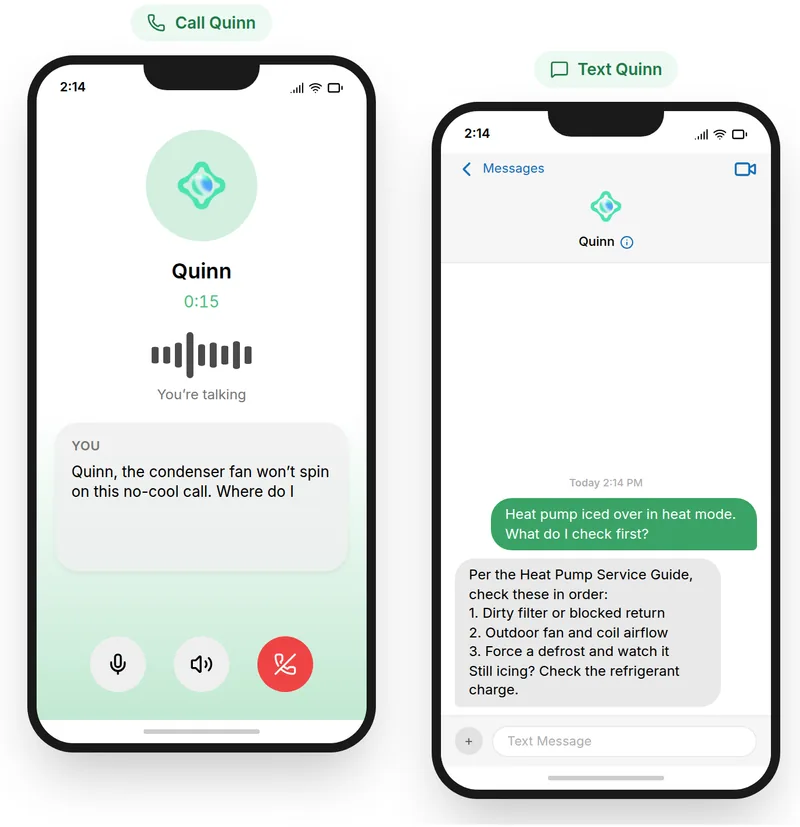
Describe what you saw, and Quinn files it as Evidence once you confirm.
Step 6Spot who’s below target
Compare every Role against its targets, and open a Skill to see why.
Step 7Close the gap with a course
Open a learner’s score and assign a course that builds the Skill.
More features
See what else Quinn does



Ready to try Skills?
We’ll show you how it works with your own team and training.