
Brands
One org. Many brands. All on-brand.
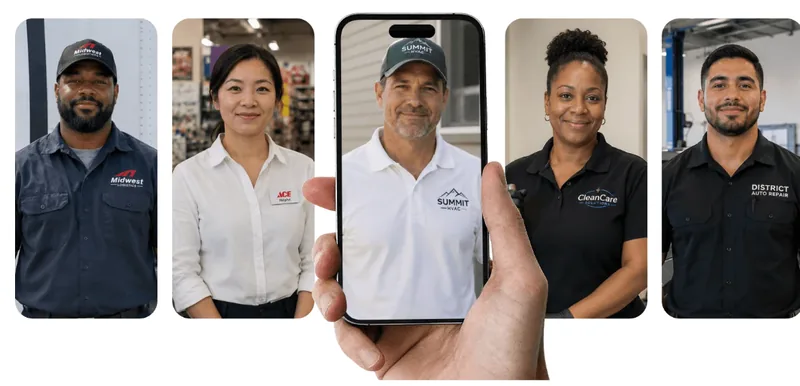
Give every division its own sub-brand, with its own logo, colors, avatar and phrases. Your courses sync to the brand each learner belongs to, so every crew trains under the name on their truck.
How it works
Deliver training under each of your brands
Step 1Create a brand
Name a division and it starts as a draft only admins see.
Step 2Give it its own color and presenter
Pick a color and a personality, and the preview repaints.
Step 3Add its banner and logo
Upload them right onto the learner homepage preview.
Step 4Teach it the brand’s words
Rules swap terms when its branded courses are generated.
Step 5Choose who sees it
Assign groups, and every learner in them gets this brand.
Step 6Generate its courses and publish
Branded versions are generated, then publishing puts it live.
Step 7Learners see their brand
Its learners get the brand’s home, courses and presenter.
More features
See what else Quinn does

Ready to try Brands?
We’ll show you how it works with your own team and training.