
Instructor-Led Training
Schedule it. Fill the room. Skip the clipboard.
Schedule in-person sessions, assign learners, and attach the materials and Skills each one covers. Learners check in with one scan.
What Instructor-Led Training does
Schedule a session
Pick a time and place, add a whole group, and everyone on it gets the invite.
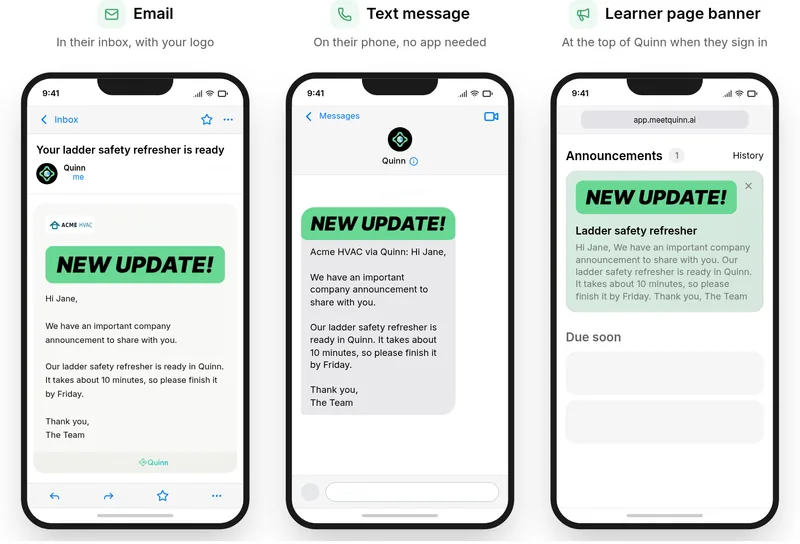
Reminders go out on their own
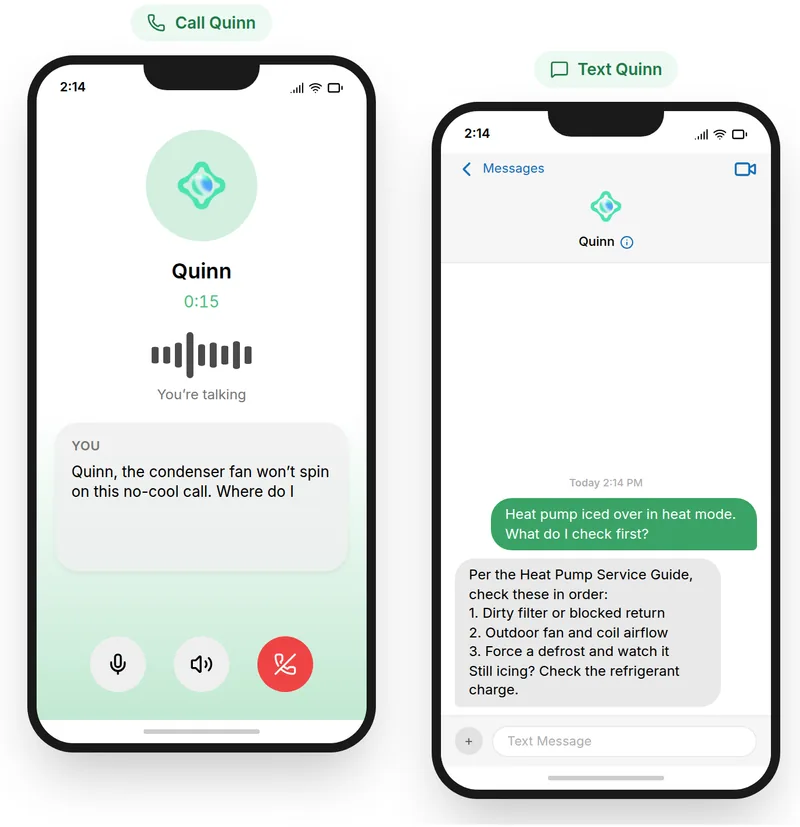
Quinn nudges learners 24 hours and 1 hour before it starts.
Check-in and attendance
Learners scan a code to check in, and you see fill rate and no-shows at a glance.
How it works
Run instructor-led training sessions
Step 1Create a training
Set it up once, with the course learners get after they attend.
Step 2Add materials
Share prep before the session and follow-ups after it.
Step 3Schedule a session
Pick a time and place, and how the roster hears about it.
Step 4Add your roster
Add a whole group and everyone on it gets the invite.
Step 5Quinn sends reminders
A nudge 24 hours and 1 hour before it starts.
Step 6Take attendance
Learners scan the code and the board fills in as they arrive.
Step 7See attendance at a glance
Fill rate, seat use and no-shows across every session.
More features
See what else Quinn does



Ready to try Instructor-Led Training?
We’ll show you how it works with your own team and training.