
Custom Avatars
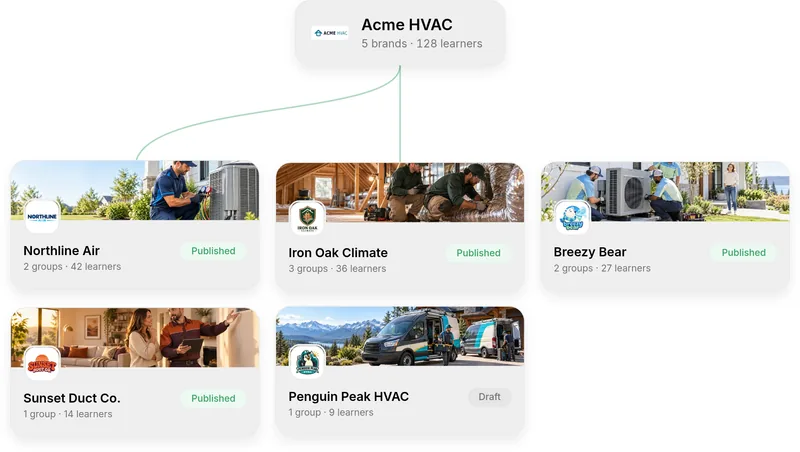
An avatar for every brand.
Create AI presenters of your own, each with its own look and voice, ready to present your courses.
How it works
Create a custom avatar for your courses
Step 1An avatar for every brand
Make as many as you need, each with its own look and voice.
Step 2Start a custom avatar
Create one from My Custom Avatars and generate it with AI.
Step 3Describe your presenter
Quick questions and your logo become the prompt it’s made from.
Step 4Pick from four options
Quinn generates four avatars and you choose the best fit.
Step 5Frame it and give it a voice
Fit the head in the guide, then name the avatar and pick a voice.
Step 6Add a background
Its background is removed, so you generate a new one behind it.
Step 7Your avatar is ready
It joins your personalities, ready to present your courses.
More features
See what else Quinn does


Ready to try Custom Avatars?
We’ll show you how it works with your own team and training.